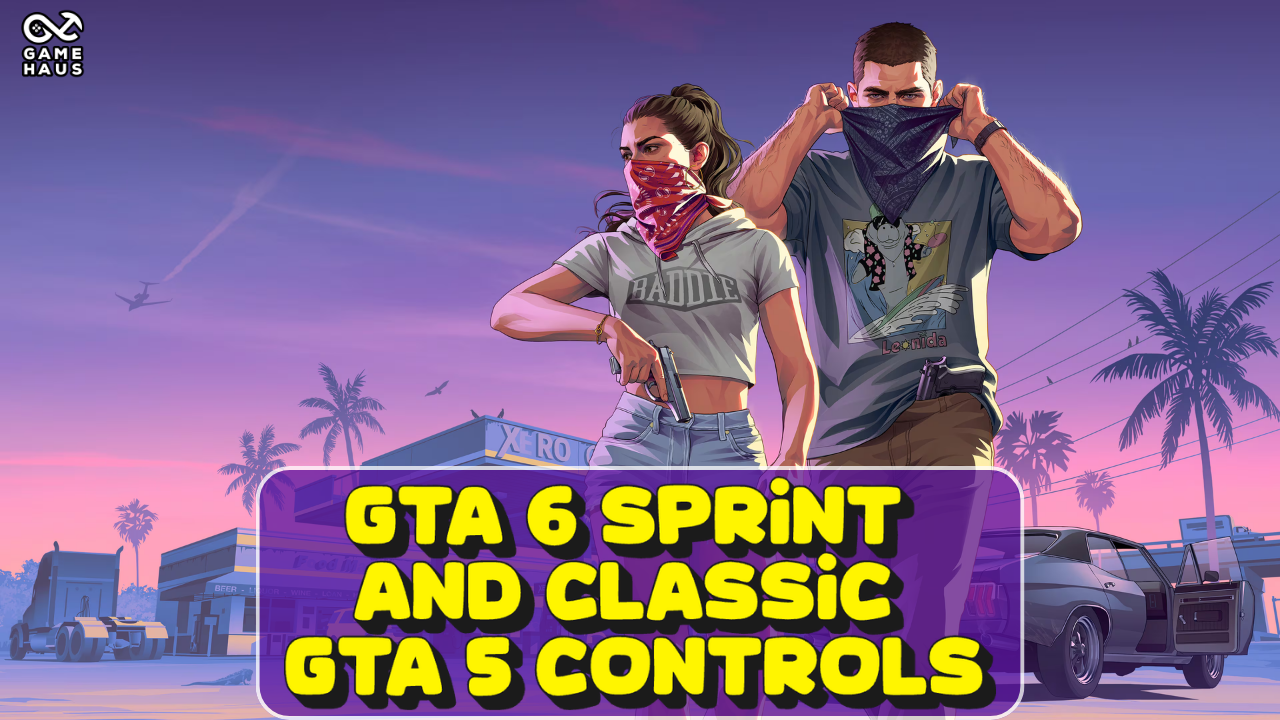
Grand Theft Auto 6 is finally out, and players are clamoring to learn more about the game. One of the things longtime players have been missing is their controls from GTA 5. Here is a quick guide on how to sprint in GTA 6 and change to Classic GTA 5 Controls.
Follow The Game Haus on Google. Add The Game Haus as a Preferred Source to see more of our gaming, esports, and sports coverage in Google Search.
If you have been playing a game for a decade, it makes sense that you are going to rely on your old habits. Sprinting has been one that is certainly taking some time to get used to. So much so that players are wondering how to sprint in GTA 6.
They changed up the control layout for GTA 6, and many players have been asking why. Sprinting especially has become a major issue. Luckily, it is pretty easy for gamers who have played other similar games in the past.
In order to sprint in GTA 6, you can press in the left thumbstick, or L3, on PlayStation. The same can be said for Xbox, but it is just called LS, or the left stick. Press it again to sprint.
If you do not want to get used to the new controls, there is another option for you. You can go back to the Classic controls from GTA 5. So yes, you can change controls in GTA 6.
It really is that simple to get GTA 6 Classic controls.
The Classic controls will return sprinting to X on PlayStation or A on Xbox, melee to Circle or B, and crouching to L3 or LS.
Here is a quick comparison of the Default and Classic controls in GTA 6 on PS5 and Xbox Series X|S.
| Action | Default Controls | Classic Controls |
|---|---|---|
| Run / Sprint | L3 / LS | X / A |
| Jump / Climb | X / A | Square / X |
| Melee | Square / X | Circle / B |
| Crouch | Circle / B | L3 / LS |
Note: PlayStation controls are listed first, followed by Xbox controls. L3 and LS both mean pressing in the left thumbstick.
Really, this question comes down to preference.
For those who have been playing GTA 5 and GTA 5 Online, you are probably very used to those controls. In that case, this is absolutely worth changing and going to the GTA 6 Classic Controls.
If you are a new player, just learning how to sprint in GTA 6 should be more than enough. Plenty of games use the left stick push-in to run, so it may be more natural to players who are not as familiar with GTA 5 or those who have not played it in some time.
For more guides, tips and the latest coverage, check out The Game Haus GTA 6 Hub.
You can read more pieces like “GTA 6 Sprint Classic GTA 5 Controls” and ‘Like’ The Game Haus on Facebook and ‘Follow’ us on Twitter for more sports and esports articles from other great TGH writers along with Robert!
“From Our Haus to Yours”


Players must be 21 years of age or older or reach the minimum age for gambling in their respective state and located in jurisdictions where online gambling is legal. Please play responsibly. Bet with your head, not over it. If you or someone you know has a gambling problem, and wants help, call or visit: (a) the Council on Compulsive Gambling of New Jersey at 1-800-Gambler or www.800gambler.org; or (b) Gamblers Anonymous at 855-2-CALL-GA or www.gamblersanonymous.org.