Home » Best GTA 6 Graphics Settings for Xbox Series X|S
GTA 6 Graphics Settings for Xbox Series X|S

Best GTA 6 Graphics Settings for Xbox Series X|S

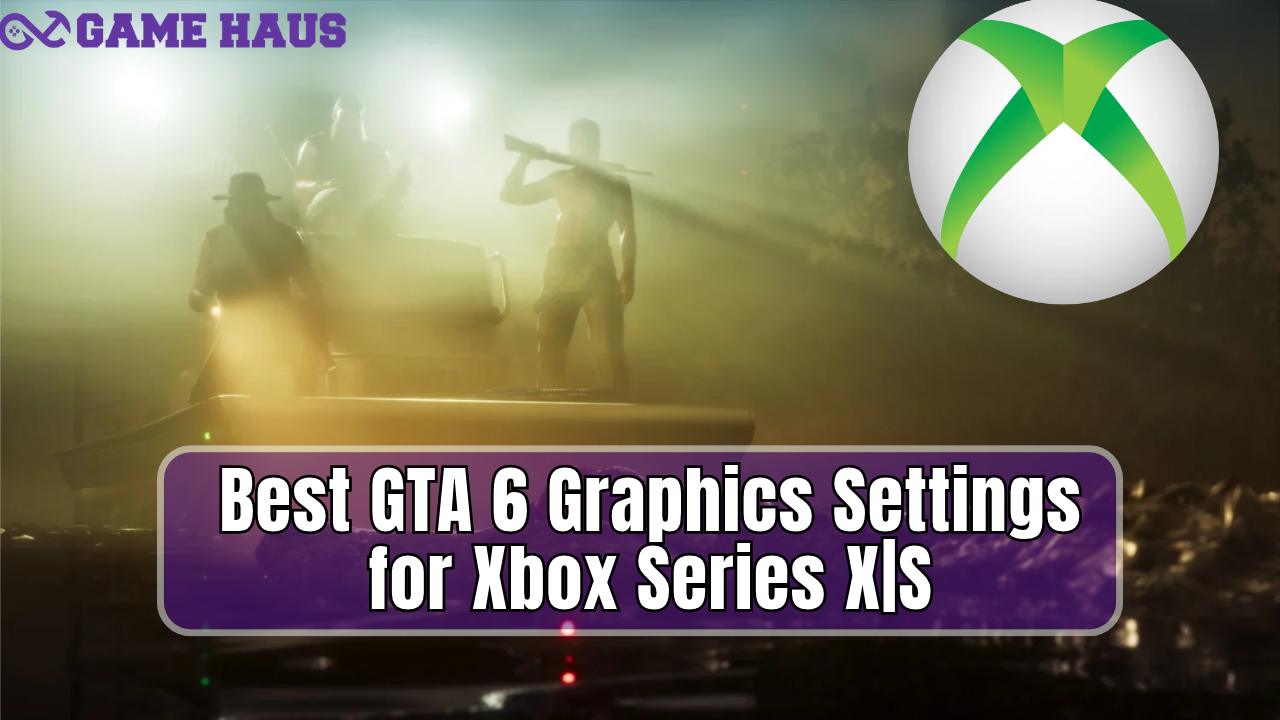
With the launch of GTA VI, consoles such as the Xbox Series X|S are being pushed to their limits to bring the vibrant streets of Vice City to life. With Leonida’s landscapes bringing stunning visuals and an immersive environment, Xbox players will want the best visual experience possible. For those looking to get the best quality out of thier console, here are the best GTA 6 graphics settings for Xbox Series X|S.


GTA 6 Xbox Series X|S Settings

  • Brightness Calibration: Set the Rockstar Games symbol to barely visible.
  • Motion Blur Strength: 1 or 2
  • Player Status Effects Intensity: 3–5
  • Hit Effects Intensity: 3–5
  • Awareness Effects Intensity: 3–5
  • Flashbang: Dim
  • Camera Shake: Off
  • Brightness Reduction: Reduce as much as needed if it causes discomfort
  • Cinematic Kill Shot Frequency: 0-1
  • Cinematic Vehicle Crash Frequency: 0-1
  • Follow Roll: Turn off if the camera tilting causes discomfort.
  • Display Resolution: Matches TV supported resolution
  • Auto Low Latency Mode: Enabled

The Xbox Series X|S version of GTA VI will always run at 30 FPS.


All GTA 6 Graphics Settings

Related: All GTA 6 Unique Weapons Locations & How To Find Them

Display

  • HDR10
  • HDR Calibration

-Max Brightness

-Black Levels

-Paper White

  • Safe Zone

Visual Effects

  • Player Status Effects Intensity
  • Hit Effects Intensity
  • Awareness Effects Intensity
  • Dismemberment
  • Blood & Gore Intensity
  • Flashbang
  • Focus Trail Colourblind Mode
  • Brightness Reduction
  • High Contrast Shaders

Camera Settings

On Foot

  • Height (On Foot)
  • Horizontal Follow Speed
  • Vertical Follow Speed

Land & Water Vehicles

  • Height (All Vehicles)
  • Horizontal Follow Speed (Driver)
  • Vertical Follow Speed (Driver)
  • Follow Delay (Driver)
  • Horizontal Follow Speed (Passenger)
  • Vertical Follow Speed (Passenger)
  • Follow Delay (Passenger)

Comfort

  • Camera Preferences
  • Weapon Sway
  • Camera Shake
  • Camera Bob
  • Phone Display

Aircraft

  • Horizontal Follow Speed
  • Vertical Follow Speed
  • Follow Roll
  • Follow Roll Speed
  • Roll Deadzone Range

Underwater

  • Horizontal Follow Speed

Cinematic

  • Cinematic Kill Shot Frequency
  • Cinematic Vehicle Crash Frequency
  • Idle Camera

Stay Connected

You can read more pieces like “Best GTA 6 Graphics Settings for Xbox Series X|S ” and ‘Like’ The Game Haus on Facebook and ‘Follow’ us on Twitter for more sports and esports articles from other great TGH writers, along with Varno!

“From Our Haus to Yours”

Leave A Reply

* required
Read Also
GTA 6 How to Fast Travel: RydeMe, Taxis and Cost Explained
Vice City is massive in GTA 6. It takes well over an ...
GTA 6 How to Sprint and Change to Classic GTA 5 Controls
Grand Theft Auto 6 is finally out, and players are clamoring to ...
How Does The GTA 6 Wanted Level Work? Tips To Lose The Cops
Within the first few missions of the long-awaited Grand Theft Auto 6, ...
All GTA 6 Cheat Codes – How To Unlock Everything
No matter which version of the game you buy, which platform you ...
GTA 6 Ultimate Edition: How to Unlock Every Exclusive Reward
The GTA 6 Ultimate Edition offers players a plethora of different exclusive ...

The Game Haus covers gaming, esports and sports through focused ecosystems, guides, rankings, analysis and videos.


Explore:
Pokemon | Pokemon Champions | NFL | NFL Draft | Fantasy Football | College Football | Deadlock
Watch:
Pokemon Haus | Draft Haus | Dead Unlocked | The Game Haus
Follow:
TGH Sports on Twitter/X | TGH Esports on Twitter/X | Sports Facebook | Esports Facebook


Players must be 21 years of age or older or reach the minimum age for gambling in their respective state and located in jurisdictions where online gambling is legal. Please play responsibly. Bet with your head, not over it. If you or someone you know has a gambling problem, and wants help, call or visit: (a) the Council on Compulsive Gambling of New Jersey at 1-800-Gambler or www.800gambler.org; or (b) Gamblers Anonymous at 855-2-CALL-GA or www.gamblersanonymous.org.


×
Your Promo Code:
The bonus offer of was already opened in an additional window. If not, you can open it also by clicking the following link:
Play now