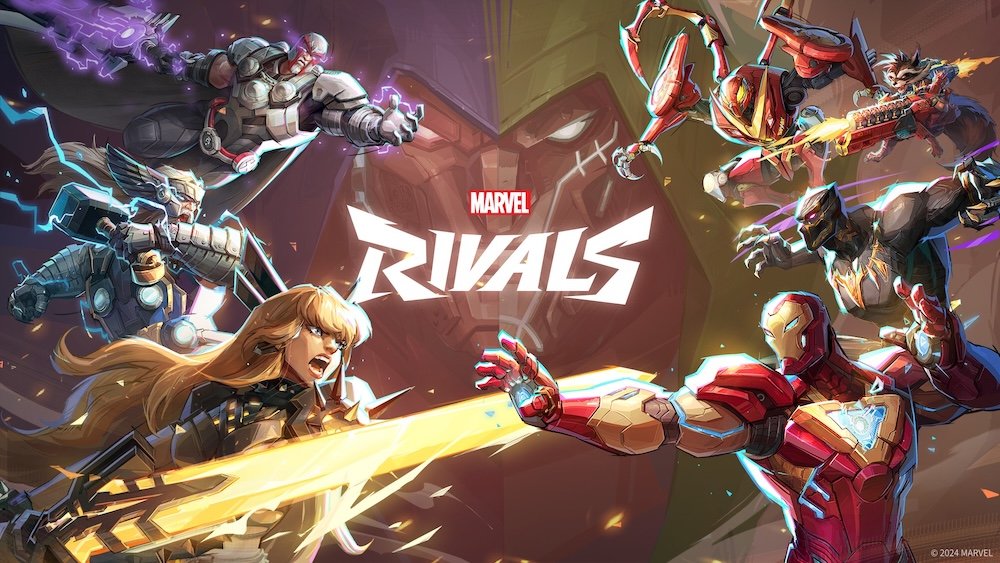
Marvel Rivals players using wide displays and monitors may feel a little off with their aim. Maybe your crosshair doesn’t land where you expect, or quick flicks throw your camera farther than intended. If you’ve ever had these complaints, there is a decent chance that you may need to turn off Marvel Rivals’ mouse acceleration.
Mouse acceleration is a somewhat divisive feature. While some may not even notice, I personally cannot stand the inconsistency the feature brings to the table. That inconsistency can be even more noticeable in fast-paced games, like Marvel Rivals, and here’s how you can turn it off.
To disable mouse acceleration in Marvel Rivals, you need to:
When Marvel Rivals first launched, players had to edit the GameUserSettings.ini file to turn off the mouse acceleration. However, Rivals developers added a dedicated toggle to the game’s settings after the version 20250110 update. The game has certainly come a long way since its initial release, with its competitive scene even finding a spot on esports betting apps.
Most players turn off mouse acceleration because it disrupts the muscle memory that consistent aiming relies on. When you enable this setting, skill shots may become harder to land, and you might struggle to track enemies with your aim.
Old-school gamers may recall professionals using mouse acceleration in Arena Shooters, such as Quake. The game genre makes all the difference here since arena shooters require players to aggressively scroll around to keep track of their surroundings and to do flicks.
Overall, it’s the kind of debate that never dies. Mouse acceleration on or off is up there with pineapple on pizza and the best betting apps.
Even to this day, you can find players on the QuakeChampion Reddit claiming that mouse acceleration improved their gameplay. While that will unlikely be the case for Marvel Rivals, I’d still encourage anyone curious to try the setting and test their aim to see if they notice any differences. In addition to your aim, you should also experiment with skill shots and Marvel Rivals abilities that rely on precision.


Players must be 21 years of age or older or reach the minimum age for gambling in their respective state and located in jurisdictions where online gambling is legal. Please play responsibly. Bet with your head, not over it. If you or someone you know has a gambling problem, and wants help, call or visit: (a) the Council on Compulsive Gambling of New Jersey at 1-800-Gambler or www.800gambler.org; or (b) Gamblers Anonymous at 855-2-CALL-GA or www.gamblersanonymous.org.